
Video Compressor for Windows: Compress Whole Folders Locally
Video compression without uploading your files. Your drive is filling up with phone clips and screen recordings, and shrinking them one upload at a time takes all evening. Drop videos or an entire folder instead: FileSqueeze compresses them on your Windows PC with your graphics card. $9.99 once. No subscription, no account.

$9.99 one-time · 7-day free trial
Windows 11 (24H2 or later) · x64 · Photos too: JPEG, PNG, WebP, HEIC
One folder in, a smaller folder out
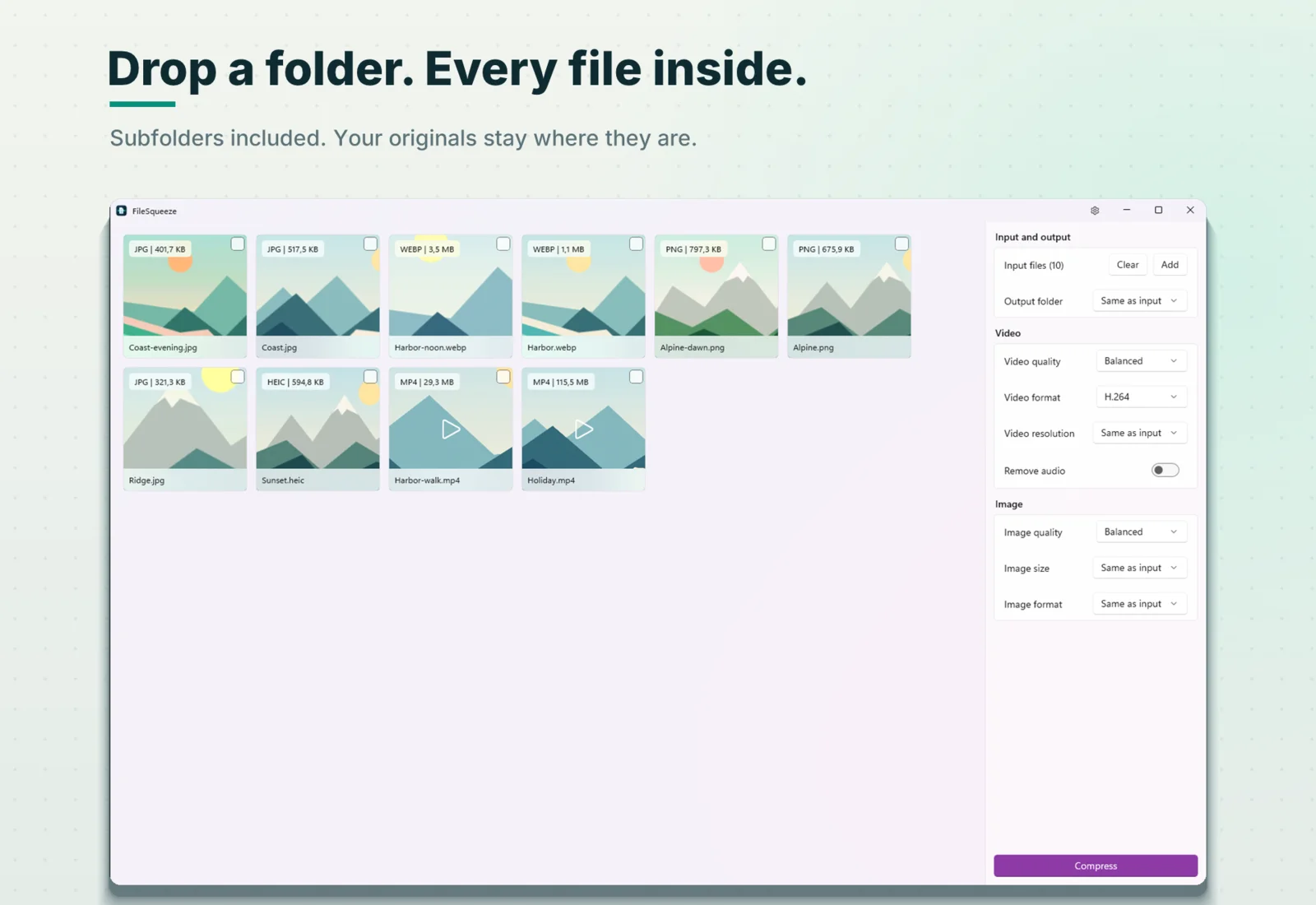
Drag a folder
Drop it from File Explorer onto the window. FileSqueeze finds every video and photo inside, in all subfolders.
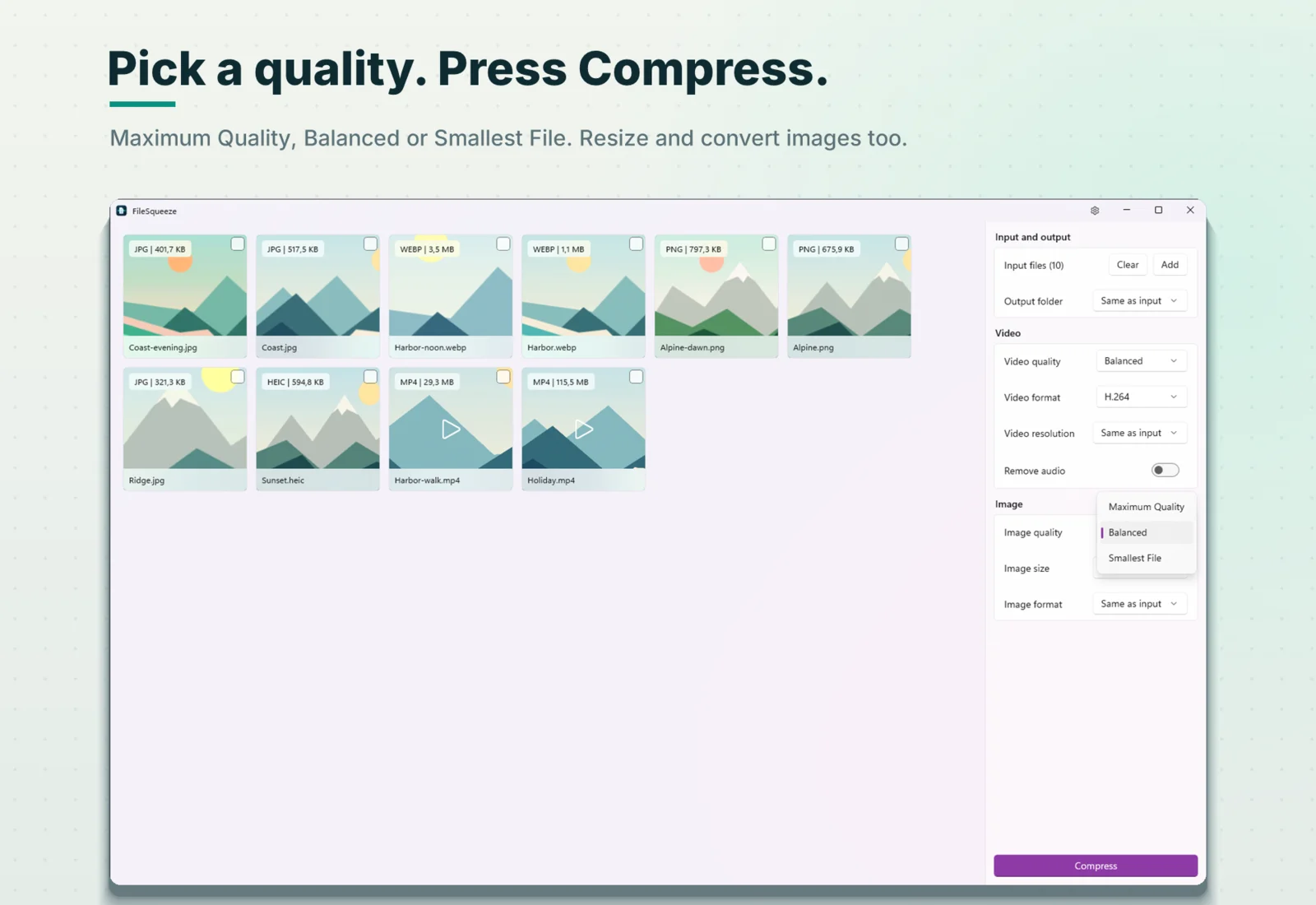
Pick a quality
Maximum Quality, Balanced or Smallest File. One choice for the whole batch.
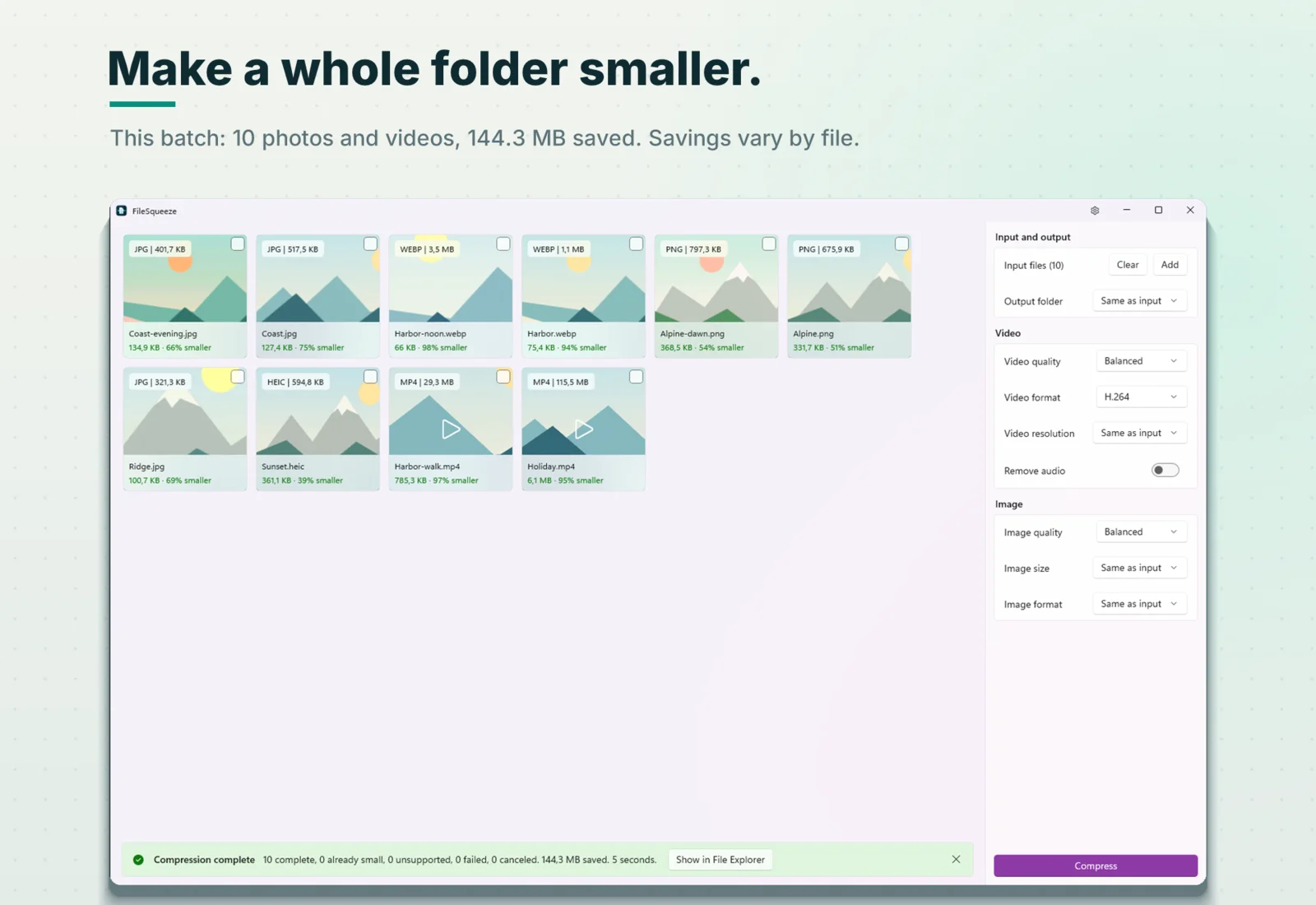
Press Compress
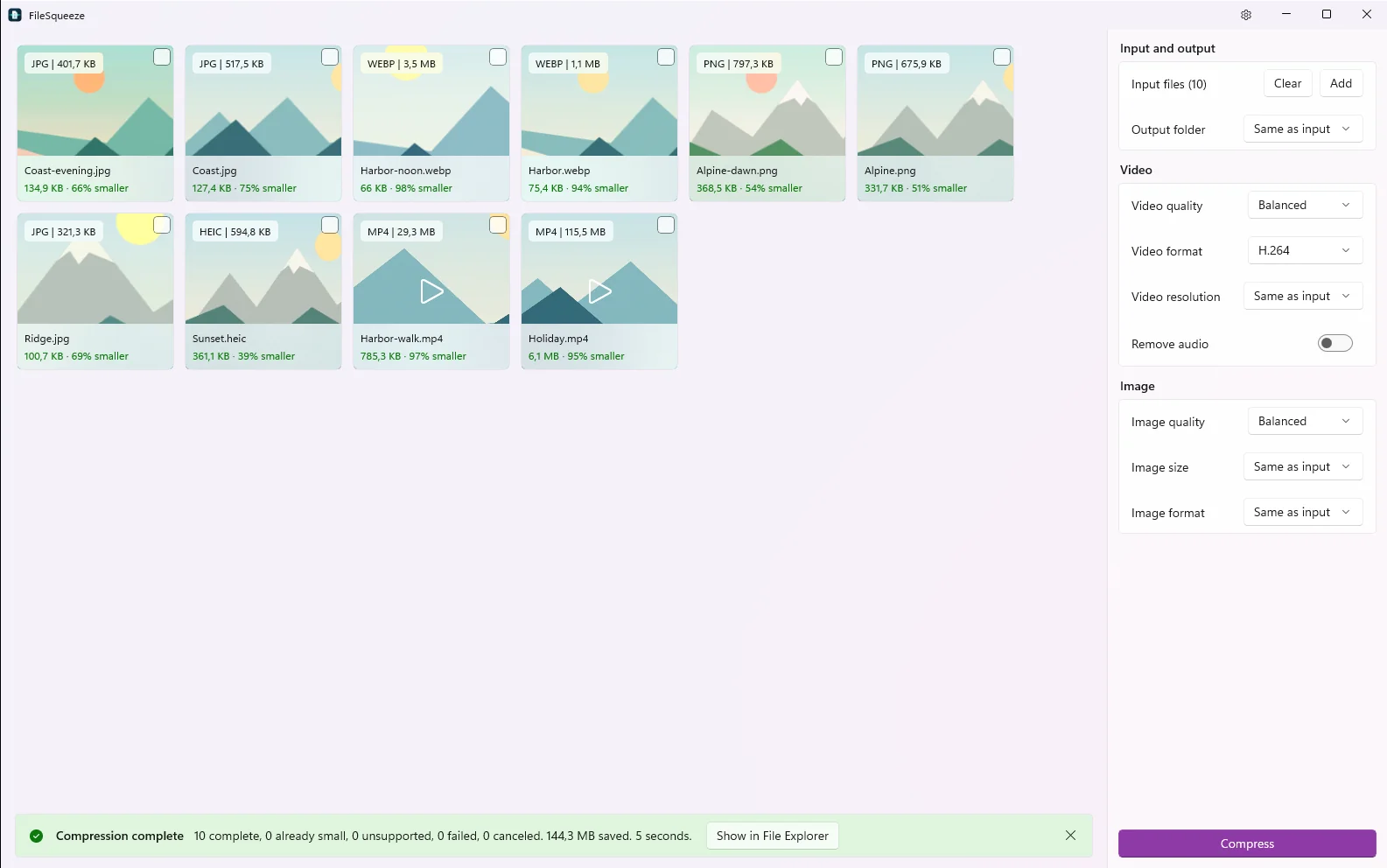
Each file shows its new size and how much smaller it got.
Your originals stay where they are. Results are saved next to them as name-squeezed.mp4, or in a folder you choose, with the same subfolders.
Real numbers from a real folder
A "Trip" folder with four subfolders and ten photos and videos. Balanced quality, H.264, on a laptop with integrated AMD Radeon 780M graphics:
| File | Before | After |
|---|---|---|
| Holiday.mp4 (1080p, 24 s) | 115.5 MB | 6.1 MB (95% smaller) |
| Harbor-walk.mp4 | 29.3 MB | 785.3 KB (97% smaller) |
| Harbor.webp | 1.1 MB | 75.4 KB (94% smaller) |
| Coast.jpg | 517.5 KB | 127.4 KB (75% smaller) |
Whole folder: 144.3 MB saved, 10 of 10 files, 5 seconds.
Savings depend on the source. Already compressed files may not get smaller, and FileSqueeze tells you so instead of making a bigger copy.
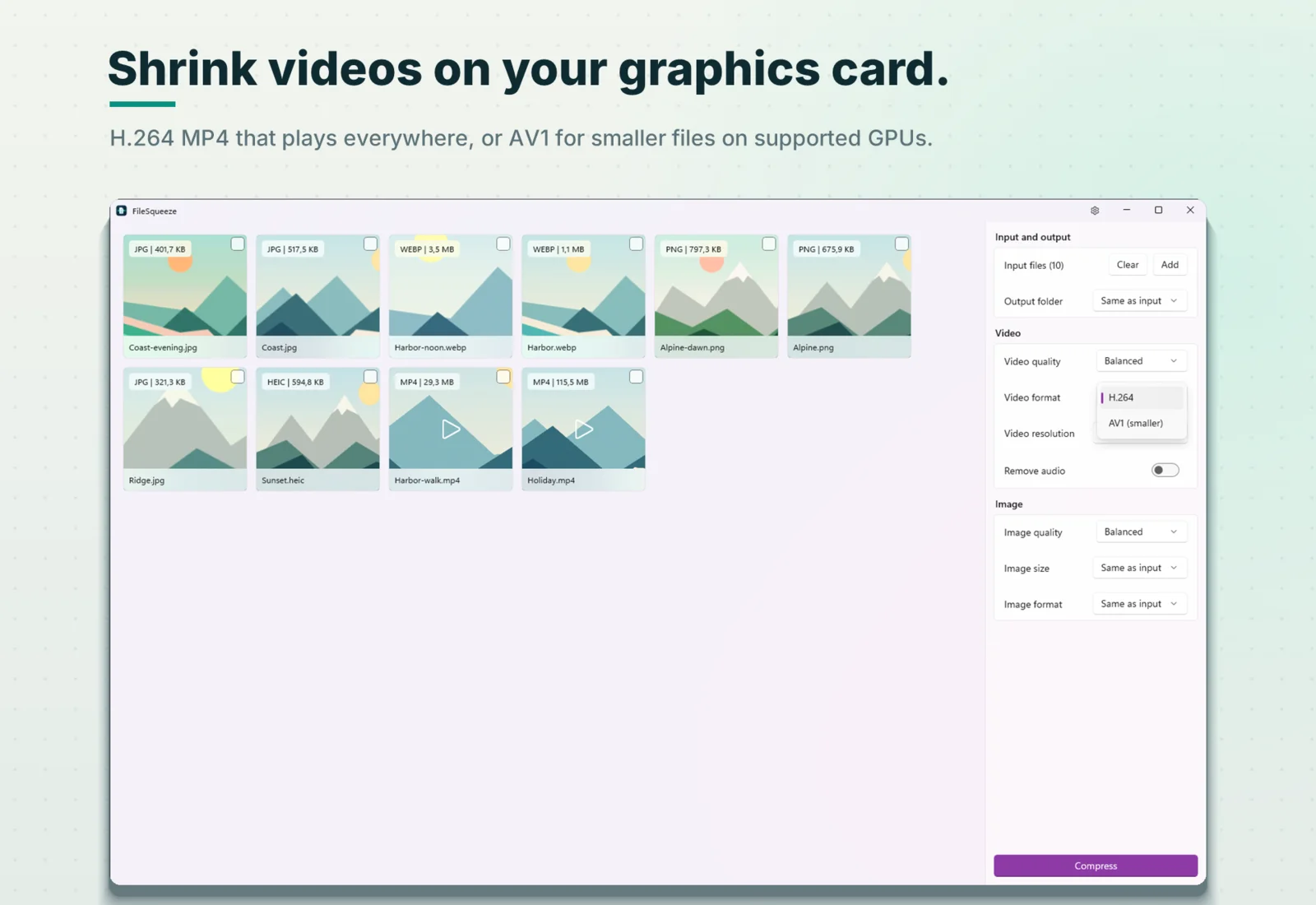
Built for big batches, not one upload at a time
Whole folders, all subfolders
No picking files one by one.
Your graphics card does the work
NVIDIA, Intel and AMD hardware encoders, with Windows Media Foundation as a fallback.
Drop the same folder again safely
Earlier results are skipped, so nothing is compressed twice.
No wasted hours
Videos already in an efficient format are skipped, and an encode stops early if the result would be bigger.
Runs while you work
Your PC stays awake during a long run, and the taskbar button flashes when it is done.
Plays everywhere, or smaller still
- H.264 MP4 (default): plays on practically every phone, PC, TV and browser.
- AV1 MP4 (optional): 17–45% smaller than H.264 at the same visual quality in our tests. Needs a graphics card with AV1 encoding. Plays on Windows 11, Android 10+, recent iPhones and modern browsers.
- Limit resolution to 1080p, 720p or 480p. Vertical phone video is handled correctly. Never upscaled.
- Keep or remove the audio. HDR phone video is converted to SDR for sharing.
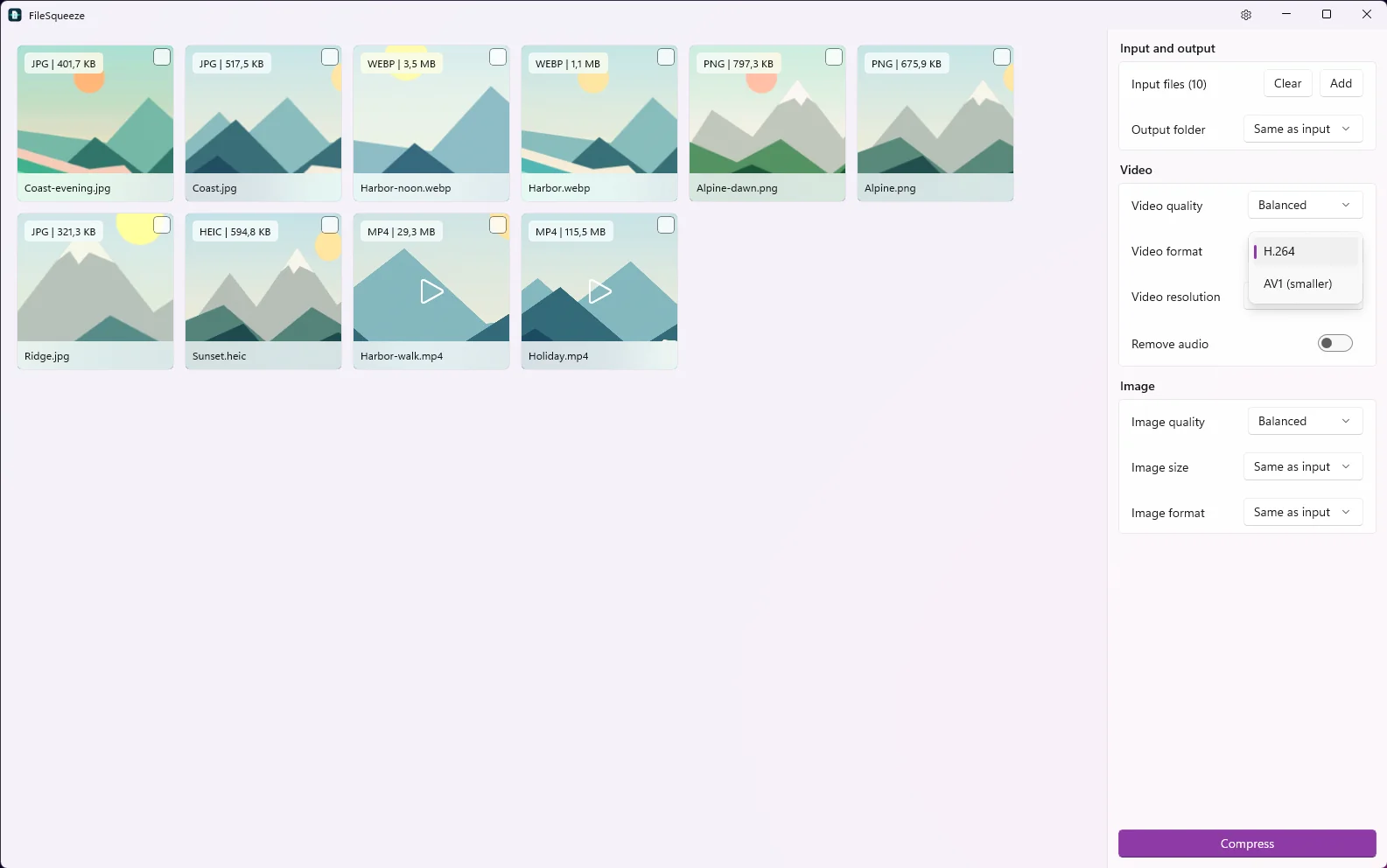
Photos in the same batch
JPEG, PNG, WebP and iPhone HEIC/HEIF photos are compressed in the same run, with their own quality setting. Convert HEIC to JPEG, resize by the longest edge, or switch to WebP.
Your files stay on your PC
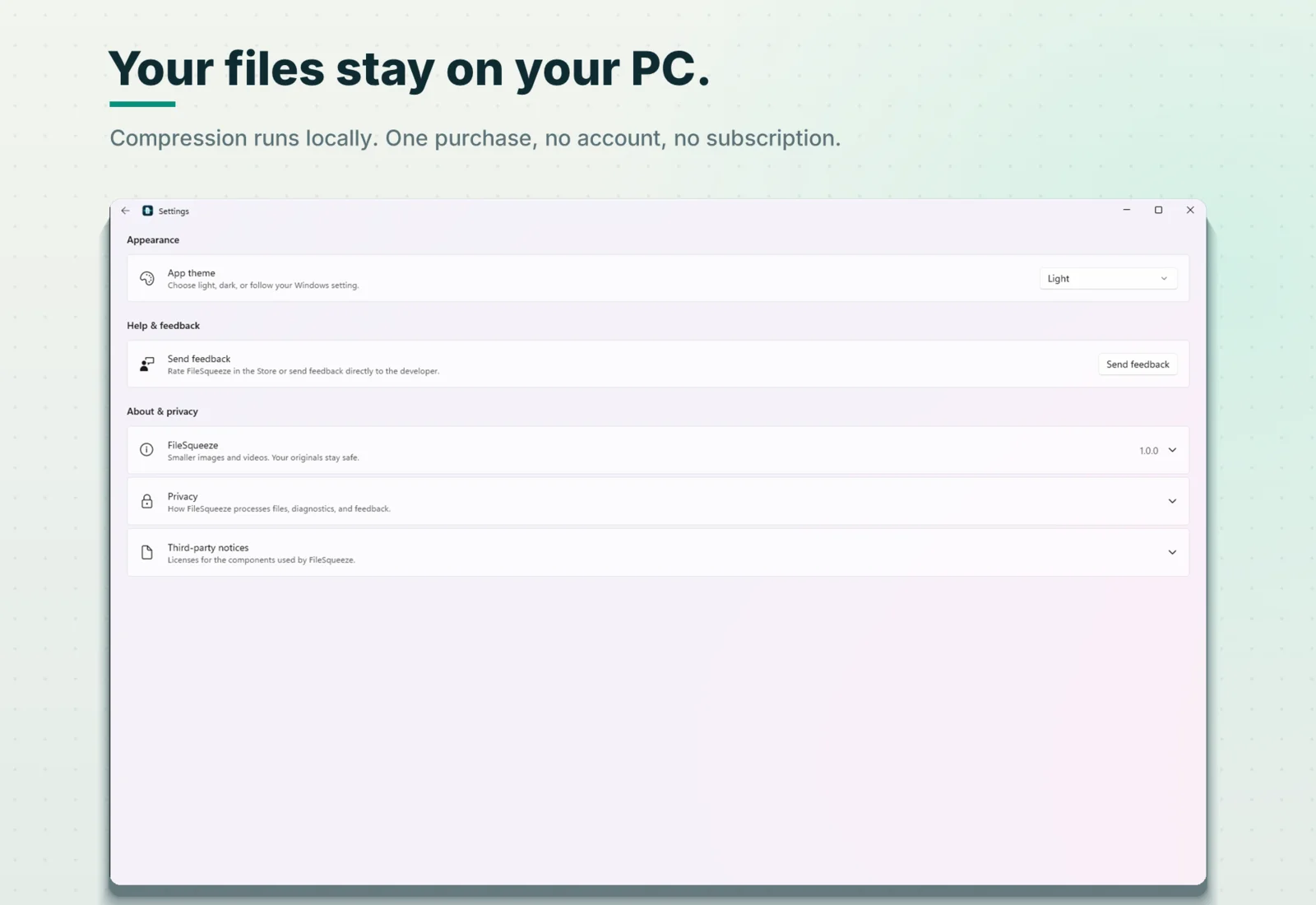
Compression runs locally. Files are never uploaded to a compression service. There is no account and no subscription. Microsoft Store handles the purchase and the 7-day trial. Privacy details.
Use cases
Compress a whole folder of videos
One drop, every subfolder, structure kept.
Batch video compressor
50 clips, one setting, one click.
Offline video compressor for Windows
No upload, no browser tab.
Compress large video files
Multi-gigabyte recordings and 4K footage.
Compress a video for email
Get under the attachment limit.
Support and formats
What each result means, and how to fix common problems.
Price
$9.99 one time
7-day free trial through Microsoft Store. No subscription, no in-app purchases, no account.
Requirements
- Windows 11 version 24H2 or later, x64 PC.
- Recommended: a graphics card with H.264 hardware encoding. AV1 output needs AV1 hardware encoding.
FAQ
Does FileSqueeze upload my videos?
No. Every file is read and written on your PC. Nothing is uploaded for compression, and there is no account.
Learn more →Does it change or delete my originals?
No. Results are separate files named -squeezed, saved next to the original or in a folder you choose. Your originals are never changed, moved or deleted.
What if a file can't get smaller?
FileSqueeze keeps the original and writes no output. The file's card says "Already small" instead of leaving you a bigger copy.
Which formats can I add?
Video: MP4, MOV, MKV, WebM, AVI, M4V, WMV, MPG and MPEG. Photos: JPEG, PNG, WebP, HEIC and HEIF. Video is written as H.264 MP4 or AV1 MP4.
Does it work on ARM PCs or older versions of Windows?
Not yet. Version 1.0 needs Windows 11 version 24H2 or later on an x64 PC.
Can I compress a video to an exact size, like 25 MB?
No. You choose a quality level, an optional resolution limit, H.264 or AV1, and whether to keep the audio. Those are enough to get under an attachment limit.
How to get a video small enough for email →More answers on the support page.
Make the whole folder smaller
Drop it in, press Compress, keep your originals.
$9.99 one-time · 7-day free trial
Support · Privacy · fs@xakpc.dev
I post what I'm building — new widgets, Windows dev notes, and the occasional thing that didn't work.
Follow on X