Guide · Updated October 2026
Compress large video files on Windows
Multi-gigabyte screen recordings, 4K camera footage, a drive full of OBS captures. FileSqueeze compresses them on your PC with your graphics card. No upload, no file size cap, no browser tab to keep open.

$9.99 one-time · 7-day free trial
Where large videos come from, and what to do with them
OBS and game recordings
Recorders often use a high bitrate so nothing is lost while recording. Balanced quality usually removes most of that size. Add 1080p if you recorded at 1440p or 4K and only need to share.
4K phone and camera footage
Keep 4K at Maximum Quality, or limit to 1080p for sharing. The resolution limit uses the short edge, so vertical phone video works the same way.
Screen recordings and lectures
Screen content compresses very well. Try Smallest File and 720p.
A whole archive
Drop the top folder. Every video in every subfolder is queued, and the folder structure is kept in the output. See compress a whole folder of videos.
Measured example
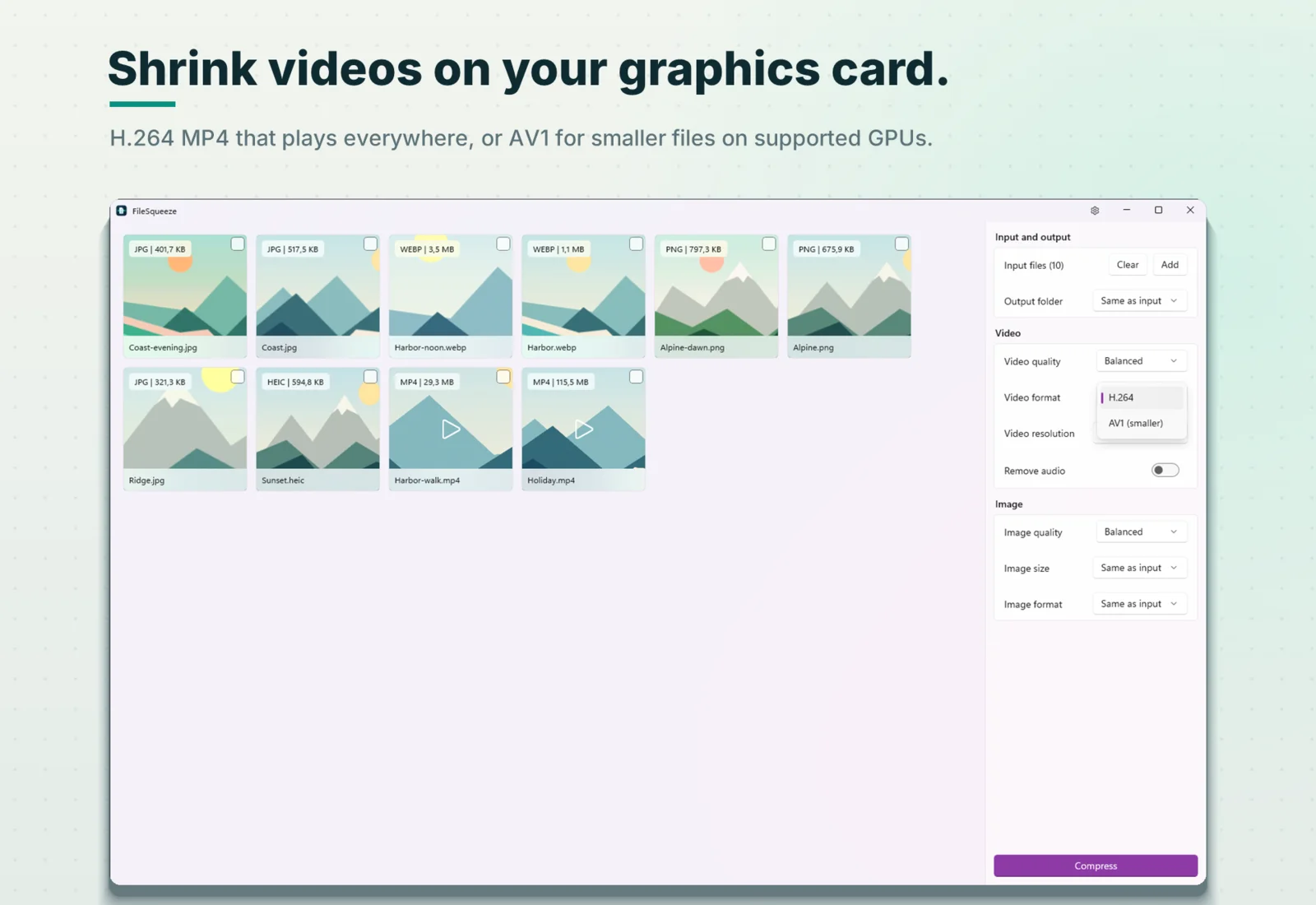
Holiday.mp4: 1080p, 24 seconds, H.264 at about 40 Mbit/s, 115.5 MB. After FileSqueeze at Balanced quality: 6.1 MB, 95% smaller. Laptop with integrated AMD Radeon 780M graphics.
Savings depend on the source. Already compressed files may not get smaller. The higher the original bitrate, the more there is to remove; most phone HEVC video, for example, can shrink much less, or not at all.
Why it doesn't waste your evening
- GPU encoding. NVIDIA NVENC, Intel Quick Sync or AMD AMF. Without one, Windows Media Foundation does the work.
- Two videos in parallel on PCs with 8+ logical cores.
- Already efficient videos are skipped. AV1 and VP9 sources are not re-encoded to H.264.
- Early stop. After about 15% of a video, FileSqueeze checks the projected size. If the result would be bigger than the original, it stops right there and keeps the original.
- PC stays awake during the run. The taskbar button flashes when it ends.
- Safe writes. The result is written to a temporary file and gets its final name only when it is complete. A crash or Stop never leaves a half-written
-squeezedfile. - No size limit from the app. You need free disk space for the output.
Even smaller: AV1
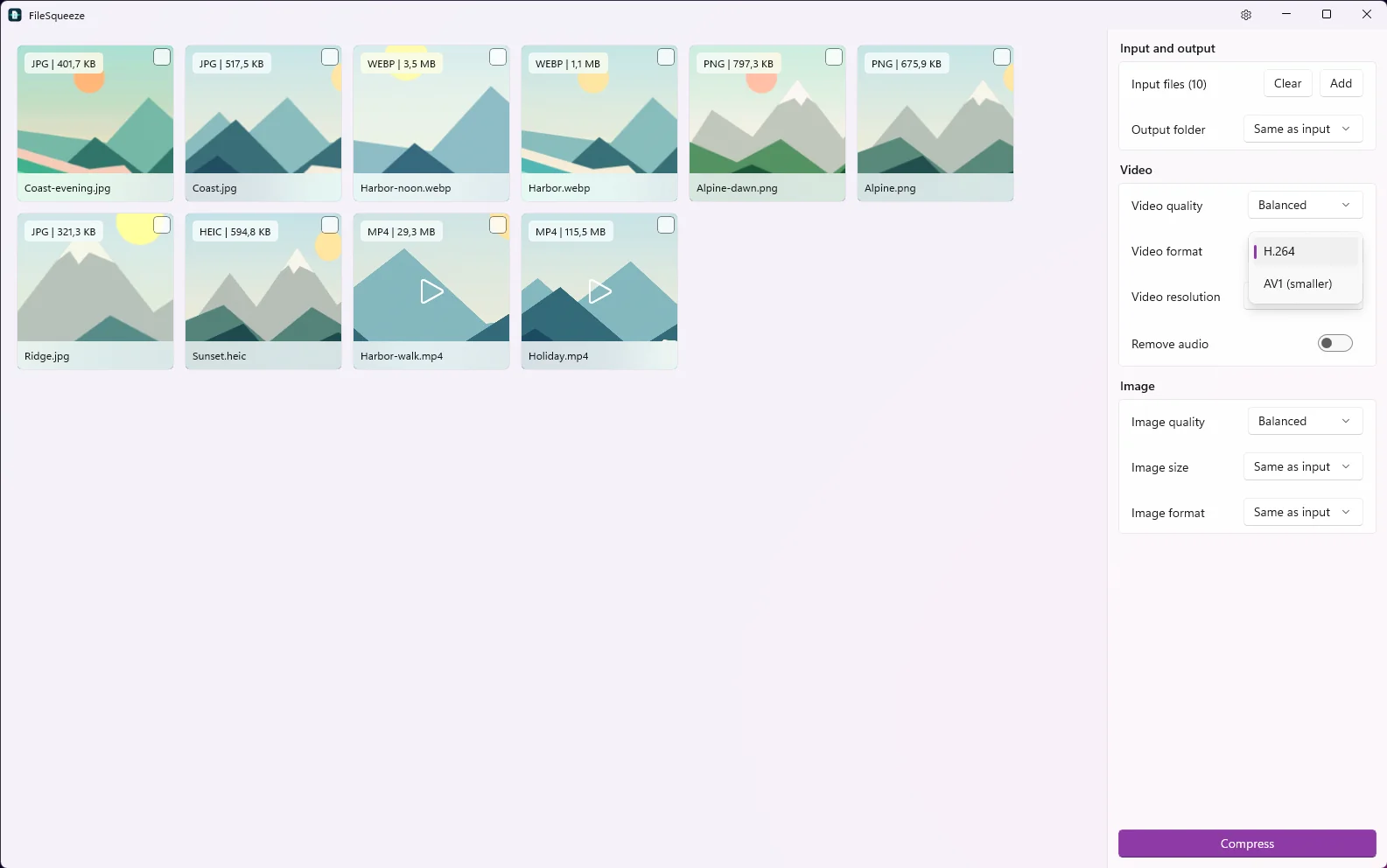
If your graphics card encodes AV1 (for example recent NVIDIA, Intel Arc and AMD Radeon GPUs), choose AV1. In our tests, AV1 Balanced was 17–45% smaller than H.264 Balanced at the same visual quality. AV1 plays on Windows 11, Android 10+, recent iPhones and modern browsers. Use H.264 when the file must play on older devices.
What is and isn't kept
- Kept: the video, the first audio track (or none, if you remove audio).
- Converted: supported HDR (HLG, PQ) becomes SDR for sharing.
- Not kept: subtitles, chapters, extra audio tracks, metadata.
- Your original file: always kept, untouched.
Requirements and price
Windows 11 version 24H2 or later, x64. A GPU with hardware video encoding is recommended. $9.99 one-time, 7-day free trial.
Get the drive space back
GPU encoding, no size cap, originals kept.
$9.99 one-time · 7-day free trial