Guide · Updated October 2026
Offline video compressor for Windows
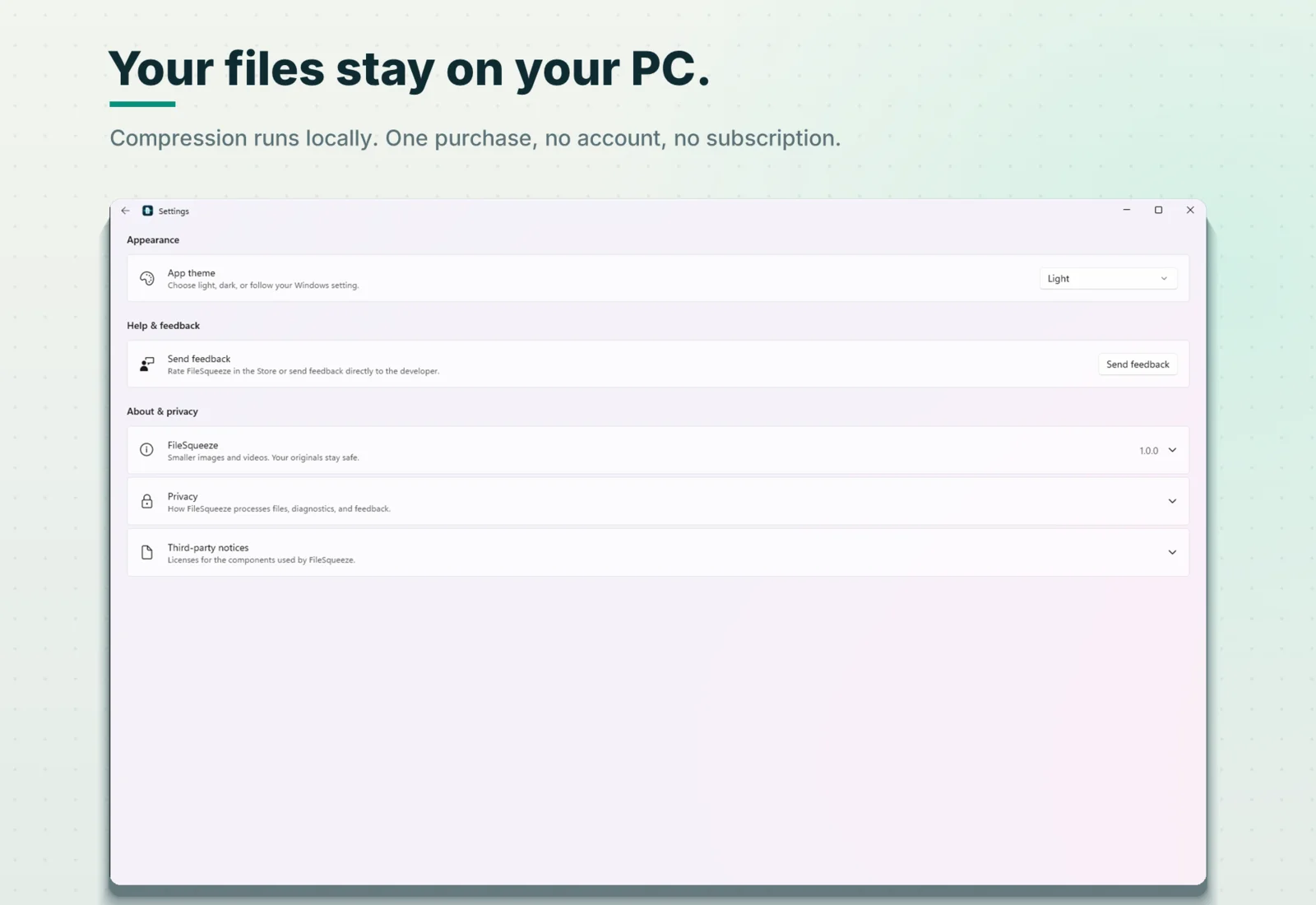
Your videos never leave your PC. FileSqueeze is a Windows app, so it reads and writes files directly on your disk, with your graphics card doing the encoding.

$9.99 one-time · 7-day free trial
What "offline" means here
- Files are never uploaded. Every video is read and compressed on your PC.
- No account. Nothing to sign up for, nothing to log in to.
- Results go where you say. Next to the original, or into a folder you choose. Your originals are never changed.
- What does use the network: crash reports and session health go to Sentry, and feedback you type in Settings is sent to the developer. Your media files and logs are never attached. Microsoft Store handles the purchase. Full privacy details.
Why a native app instead of a browser tab
Web compressors are fine for one short clip. For a pile of videos, the differences are practical ones:
| Typical web compressor | FileSqueeze | |
|---|---|---|
| Getting files in | Pick files in an upload dialog | Drag files or a whole folder from File Explorer |
| Subfolders | Usually not | Every subfolder, structure kept |
| Very large files | Often a size cap or browser memory limit | Limited by your disk, not by a tab |
| Encoding | Server, or in-browser code | Your GPU: NVIDIA, Intel or AMD hardware encoder |
| Closing the tab / window | Work is lost | A desktop app; keeps working while you use other windows |
| Long runs | Tab must stay open and active | PC stays awake; taskbar flashes when done |
| Getting results out | Download each file | Already on your disk, next to the original or in your folder |
| Cost | Free with limits, or a subscription | $9.99 once |
Built for working while it works
- Start a big batch, switch to other work. The PC won't go to sleep mid-run.
- When a long run finishes, the taskbar button flashes.
- Stop at any time. Finished files stay; the unfinished one is removed.
- If a video would get bigger, the encode stops early and the original is kept.
What it handles
- Video in: MP4, MOV, MKV, WebM, AVI, M4V, WMV, MPG, MPEG.
- Video out: H.264 MP4 (plays everywhere) or AV1 MP4 (smaller, on GPUs with AV1 encoding).
- Photos in the same batch: JPEG, PNG, WebP, HEIC.
- Resolution limit 1080p / 720p / 480p, optional audio removal, HDR to SDR.
Real result
A 1080p, 24-second 115.5 MB video became 6.1 MB at Balanced quality on a laptop with integrated graphics. A folder of ten photos and videos saved 144.3 MB in 5 seconds.
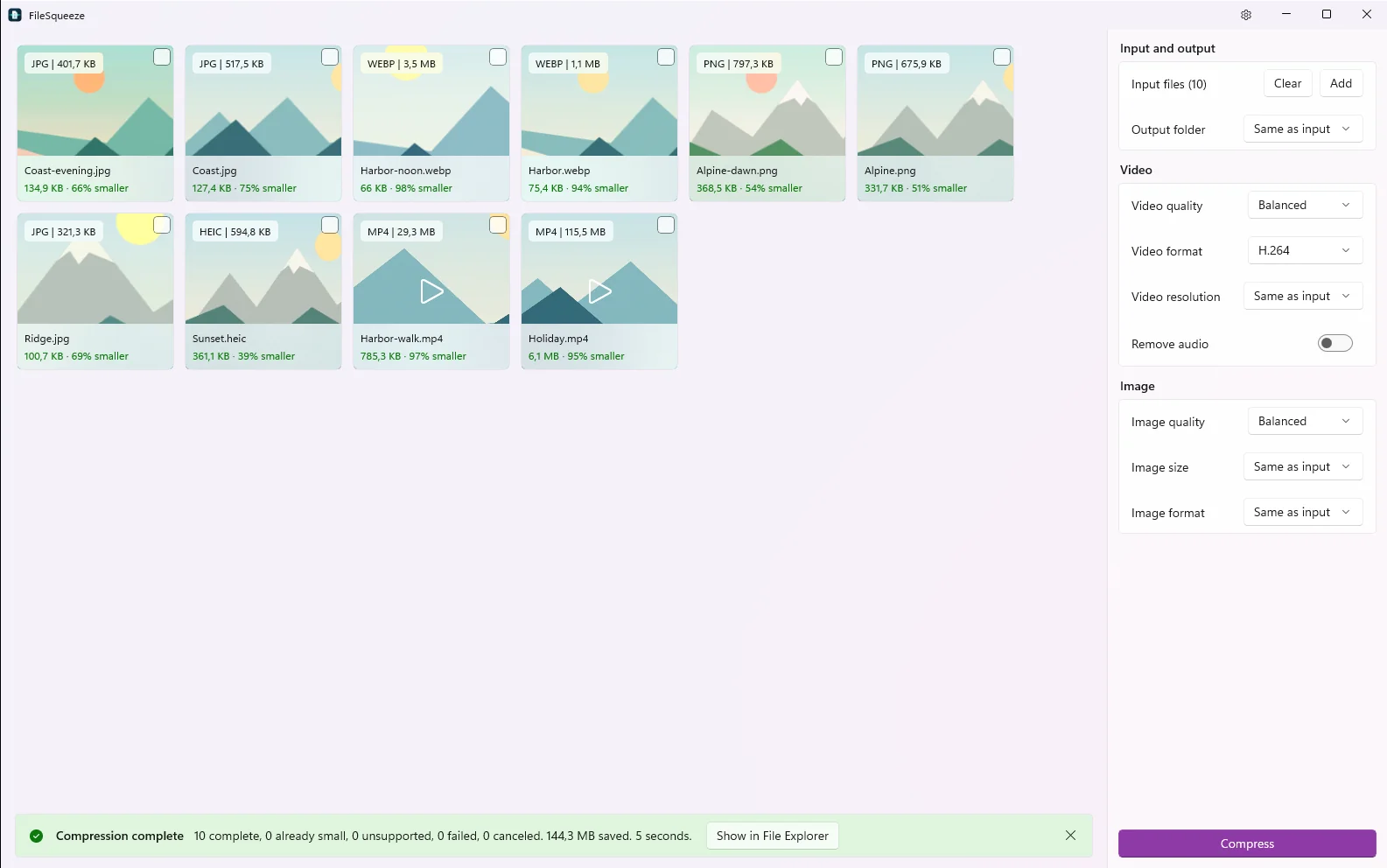
Savings depend on the source. Already compressed files may not get smaller.
Requirements and price
Windows 11 version 24H2 or later, x64. $9.99 one-time, 7-day free trial through Microsoft Store.
Compress on your own PC
No upload, no account. Results land right next to the original.
$9.99 one-time · 7-day free trial