How-To · Updated October 2026
Compress a video for email
Email attachments have a size limit, and video is usually far over it. FileSqueeze makes the video much smaller on your PC, so it can fit, and keeps the original untouched. There is no "exact size" button: you get there with four settings, below.

$9.99 one-time · 7-day free trial
Attachment limits
| Service | Attachment limit (October 2026) |
|---|---|
| Gmail (personal) | 25 MB |
| Outlook.com | 25 MB |
| Outlook with a work account | Set by your organization, often lower |
Attachments grow by about a third when they are encoded for sending, so a 25 MB limit fits a file of roughly 18 MB. Aim under that.
The four levers, from biggest effect to smallest
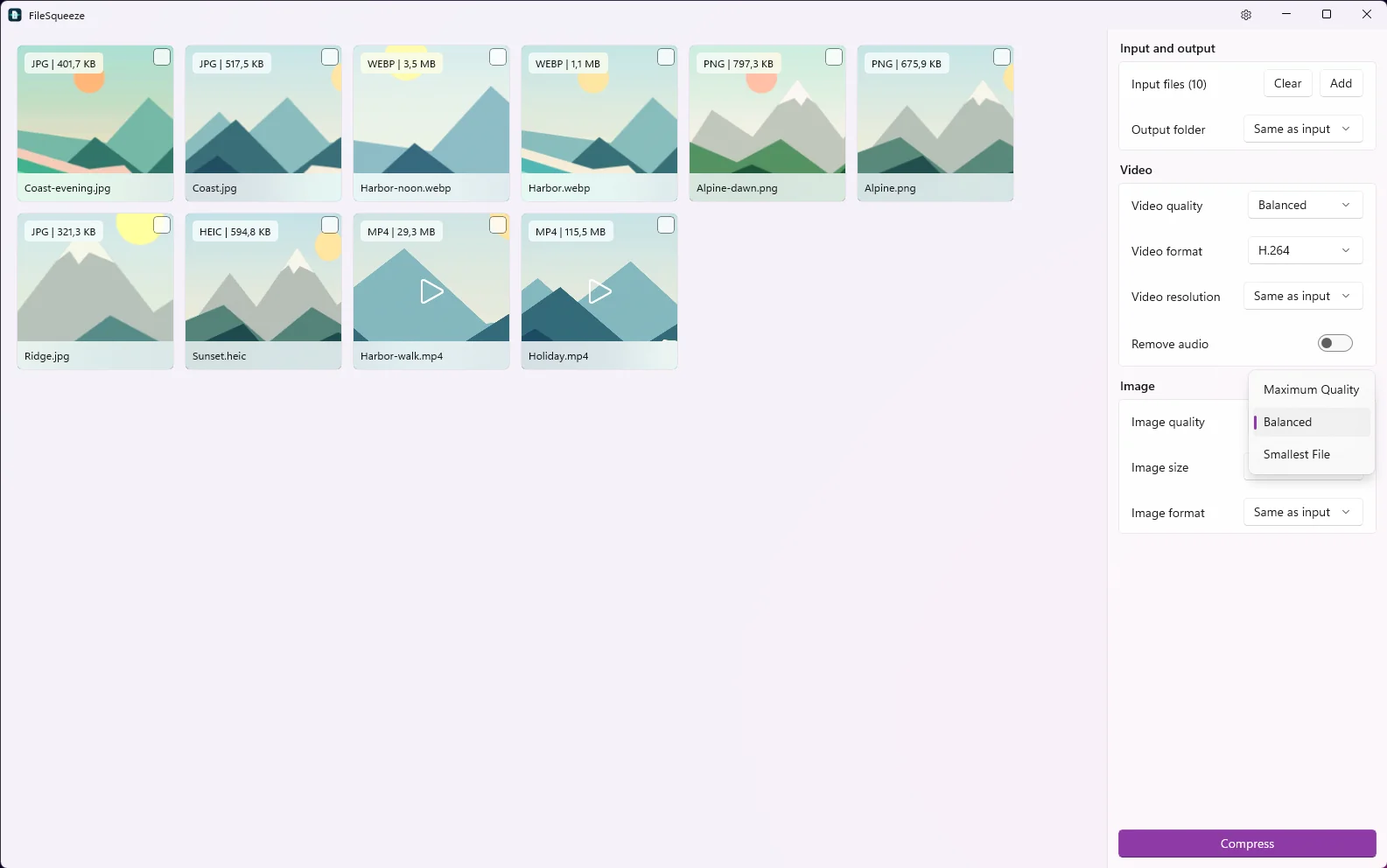
- 1Resolution. Choose 720p, or 480p for a phone screen. This has the largest effect on size.
- 2Quality. Choose Smallest File.
- 3Format. If your GPU encodes AV1, choose AV1: in our tests 17–45% smaller than H.264 at the same quality. Check that the recipient can play it (Windows 11, Android 10+, recent iPhones, modern browsers). If unsure, keep H.264.
- 4Audio. If the sound doesn't matter, switch on Remove audio.
Then press Compress and read the new size on the card. If it is still too big, change one more lever and compress again. The earlier result is not overwritten; the new one is saved as -squeezed-2.
How long a video can fit?
Size = bitrate × duration. An 18 MB file (what fits under a 25 MB limit) holds about 144 megabits. So:
| Video length | Total bitrate that fits in ~18 MB |
|---|---|
| 30 seconds | about 4.8 Mbit/s |
| 1 minute | about 2.4 Mbit/s |
| 2 minutes | about 1.2 Mbit/s |
| 5 minutes | about 0.5 Mbit/s |
Short clips at 720p usually fit comfortably. Several minutes of video need 480p and Smallest File, and may still not fit. For long videos, compress first to make the upload faster, then send a OneDrive or Google Drive link.
Example
A 24-second 1080p clip of 115.5 MB became 6.1 MB at Balanced quality and full resolution. That is already under every limit above, without lowering the resolution.
Savings depend on the source. Already compressed files may not get smaller.
Several videos for one email?
Add them all, use the same settings, press Compress once. See the batch video compressor.
Why do it on your PC
- No upload to a compression website before you upload again to email.
- No size cap on the original.
- The original stays on your PC, full quality.
Windows 11 24H2 or later, x64. $9.99 one-time, 7-day free trial.
Get the video under the limit
Shrink it on your PC, keep the full-quality original.
$9.99 one-time · 7-day free trial