Guide · Updated July 2026
How to Summarize a Screenshot with AI — Without Uploading It Anywhere
Short answer: yes, this is possible — local vision models via Ollama can read and summarize images entirely on your own PC. TextBeam wraps that into a drag-and-drop workflow on Windows: on-device OCR + vision AI, structured summary in ~17 seconds, zero bytes uploaded.
The catch with online "AI screenshot summarizers"
Search for a screenshot summarizer and you'll find dozens of web tools and chatbots that do a decent job — by uploading your image to their servers. For a meme, fine. But look at what's actually in your work screenshots:
- Internal dashboards with revenue and usage numbers
- Customer names and ticket contents
- Pre-release UI and roadmap slides
- Error dialogs with internal hostnames and stack traces
Once uploaded, that content is subject to someone else's retention policy, training policy, and breach surface. If your company has a data-handling policy, most cloud summarizers quietly violate it.
Two ways to do it locally
Route 1: DIY with Ollama (free, hands-on)
Install Ollama, pull a vision-capable model, and pass it your screenshot with a prompt. It genuinely works — and it's a good way to learn what local models can do. The trade-off is that you are the workflow: writing the prompt each time, tuning it per screenshot type, and reformatting the output into something you'd actually file as a note.
Route 2: TextBeam (packaged, 17 seconds)
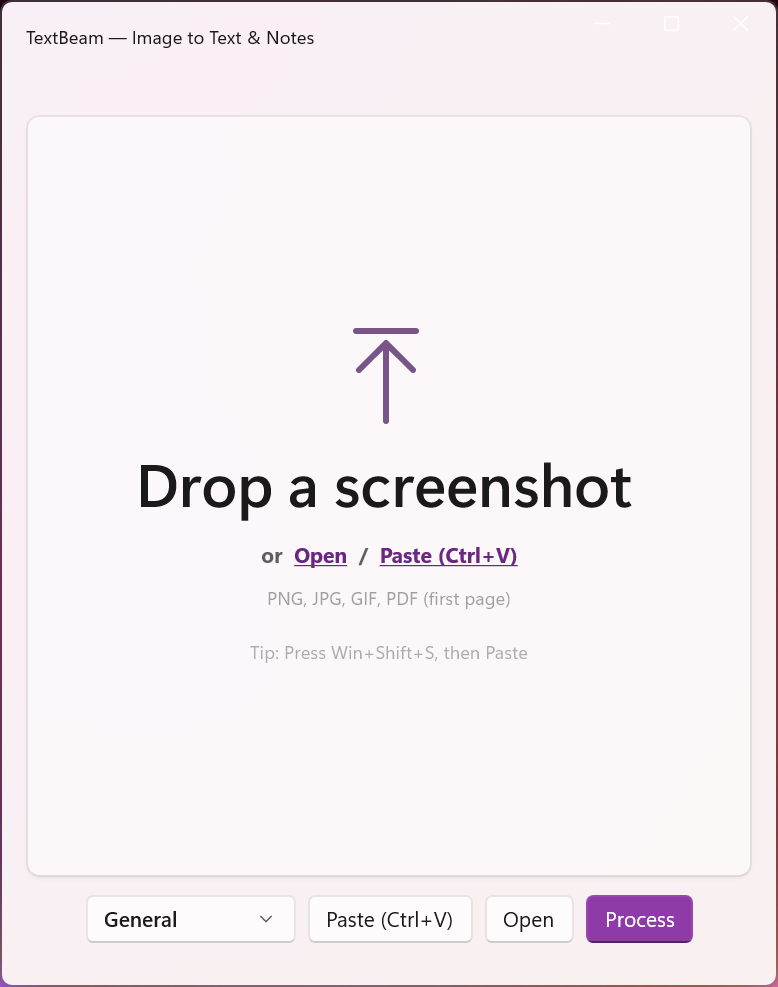
TextBeam runs the same class of local models through Ollama but adds the product layer: a two-stage OCR + vision pipeline (so text is captured accurately and the layout/context is understood), seven purpose-built presets (Bug Report/QA, Meeting/Planning, Research/Reading, Release/Changelog, Support Escalation, General, and raw Text Extraction), and consistent output: key points, action items, and hashtags, ready to paste.
Drag & drop → pick preset → copy notes. Nothing configured, nothing uploaded, nothing subscribed to.
What "offline" means here, precisely
- OCR and the vision model execute on your CPU/GPU via Ollama — the screenshot never leaves your device.
- After the one-time model download, processing works with the network cable unplugged.
- No account, no usage quota, no per-image pricing — a $6.99 one-time purchase.
Frequently asked questions
Why not just paste the screenshot into ChatGPT?
It works, but the image is processed on external servers — a non-starter for internal or customer content — and you repeat the upload-prompt-reformat dance every time.
Do I need a beefy GPU?
No — a GPU speeds things up, but TextBeam's local models run on typical modern hardware. Windows 10/11 x64 and Ollama are the only requirements.
How good is the accuracy vs cloud AI?
The OCR stage captures the text precisely; the vision stage adds context and structure. For the screenshot-to-notes job, compact local models are more than sufficient — and infinitely better than any tool you're not allowed to use.
Can it just extract raw text when that's all I need?
Yes — the Text Extraction preset skips summarization and gives you clean raw text, still fully offline.
Summarize screenshots privately
On-device OCR + vision AI. One-time $6.99, no cloud, no subscription.
